Windows, tabs, and keyboard
Open documents side by side, switch cases in tabs, and drive the whole app from the keyboard —
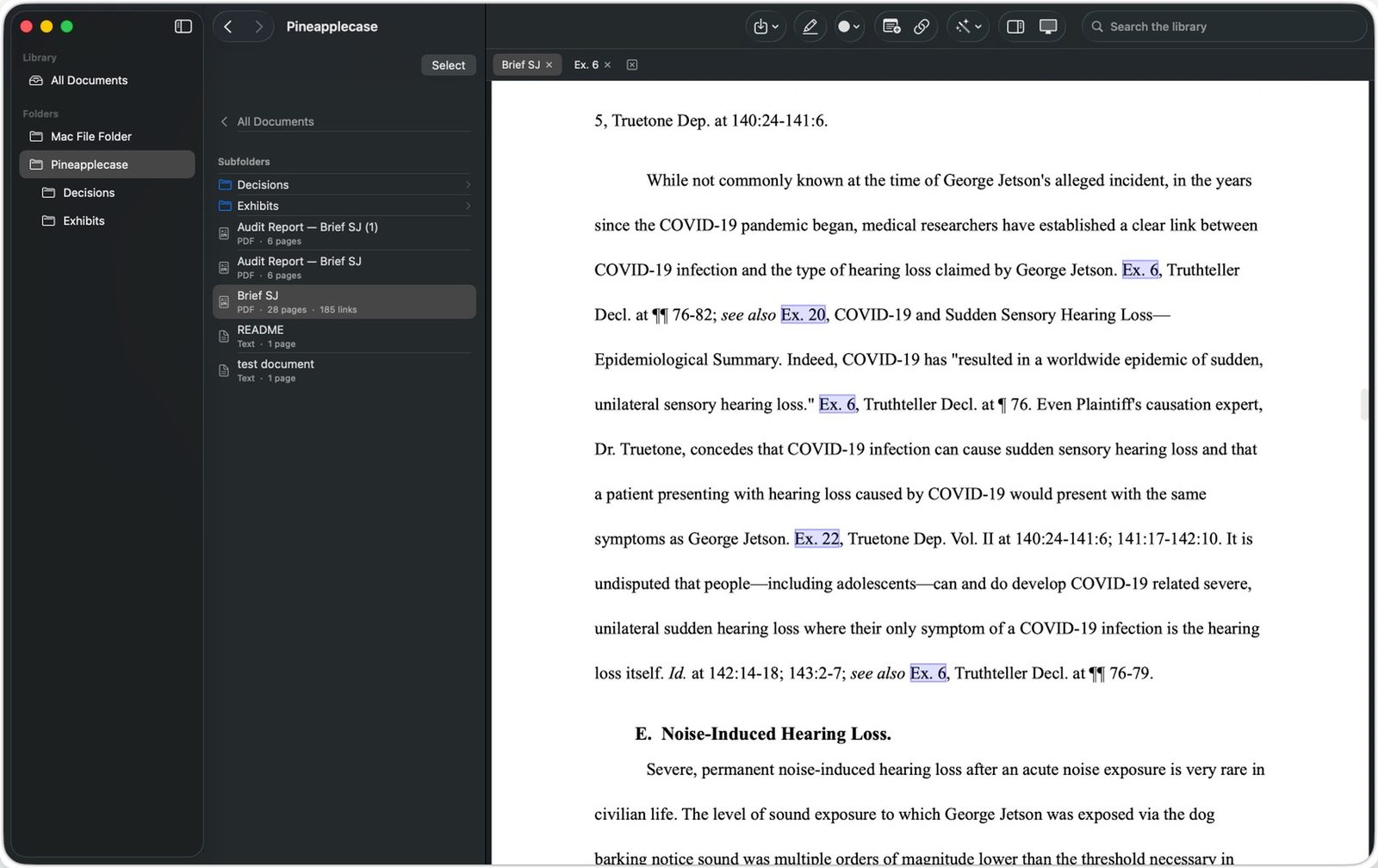
import with Cmd-I, search the library instantly, close tabs with Cmd-W. Open the same exhibit from two case folders and you get two tabs, each naming the folder it came from, so you always know which one you are reading.
Drag and drop from Finder
Drop files or entire folders straight onto the window. Subfolders become folders in your library,
structure intact.
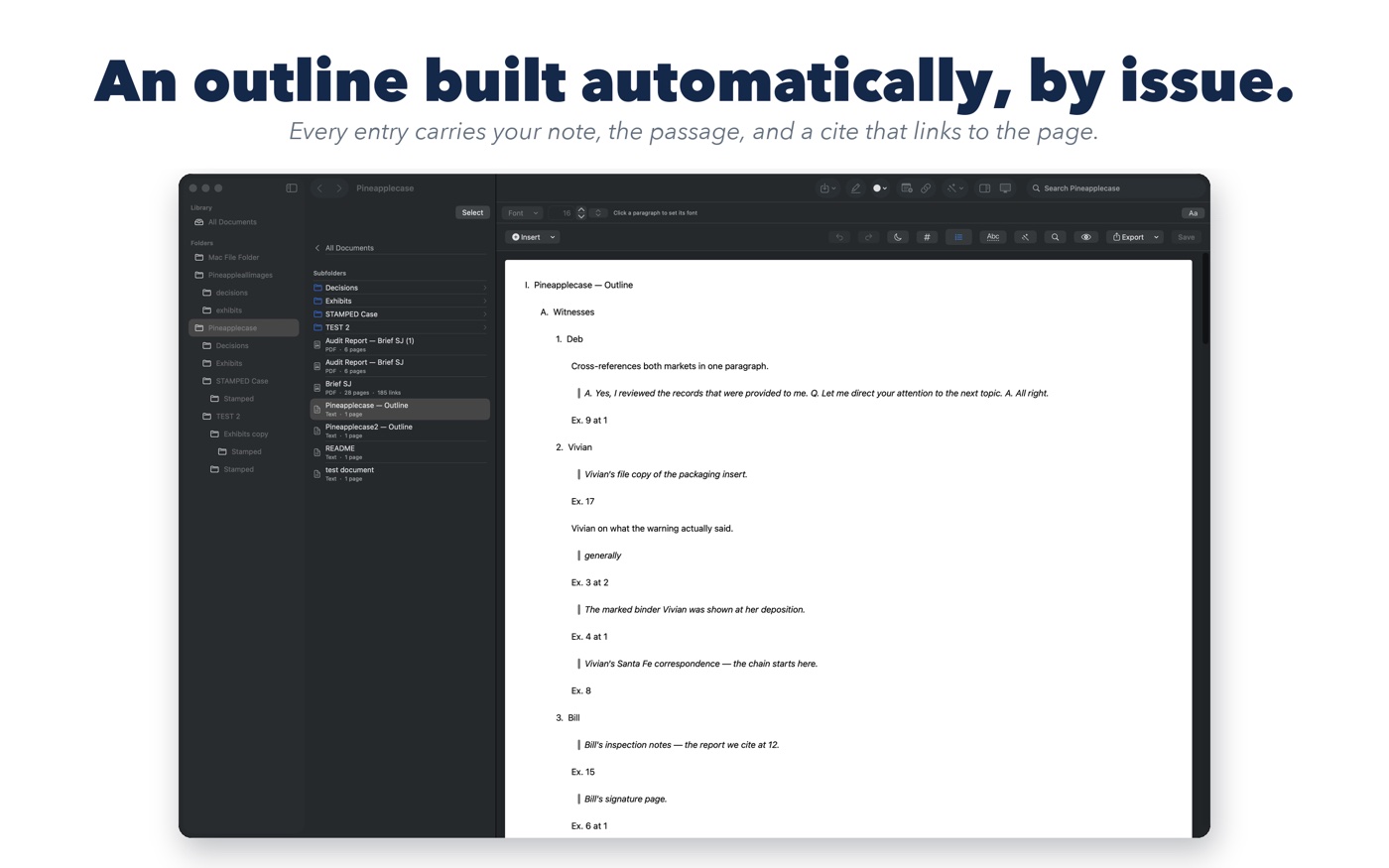
One combined, courtesy-copy PDF
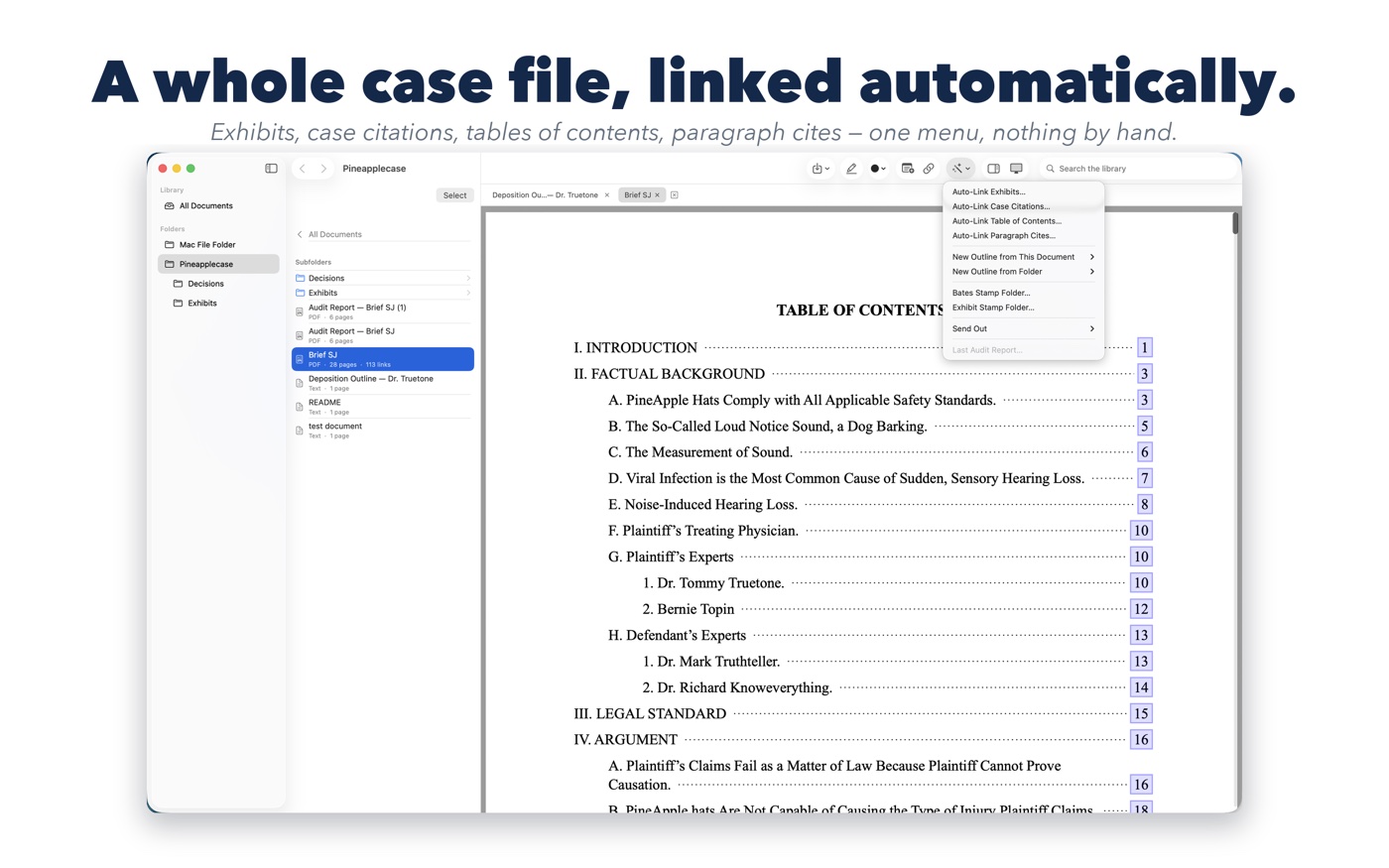
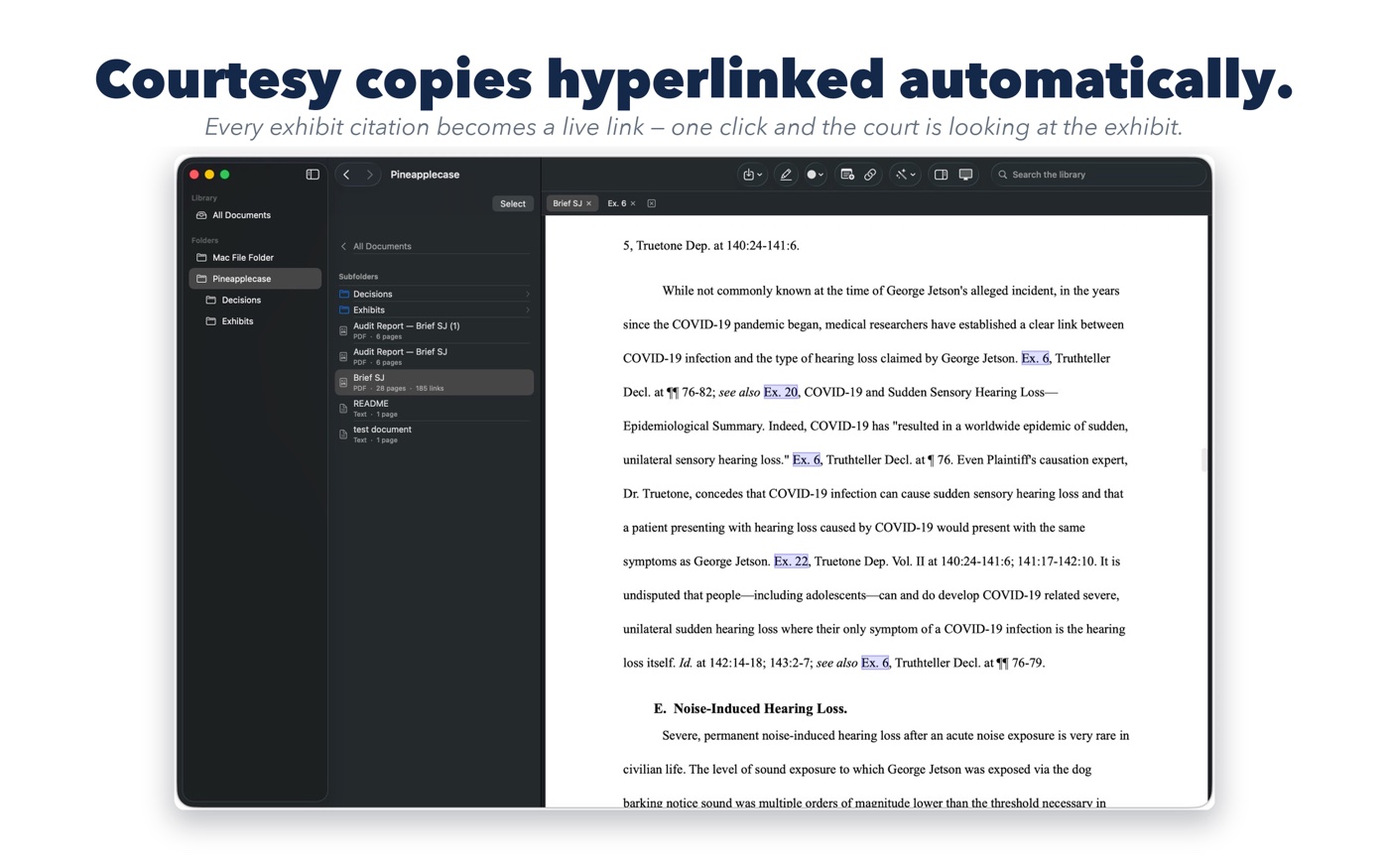
Export an outline together with every linked source as a single PDF whose links work in any
reader — Apple Preview included. Ideal for judges, clients, and co-counsel.
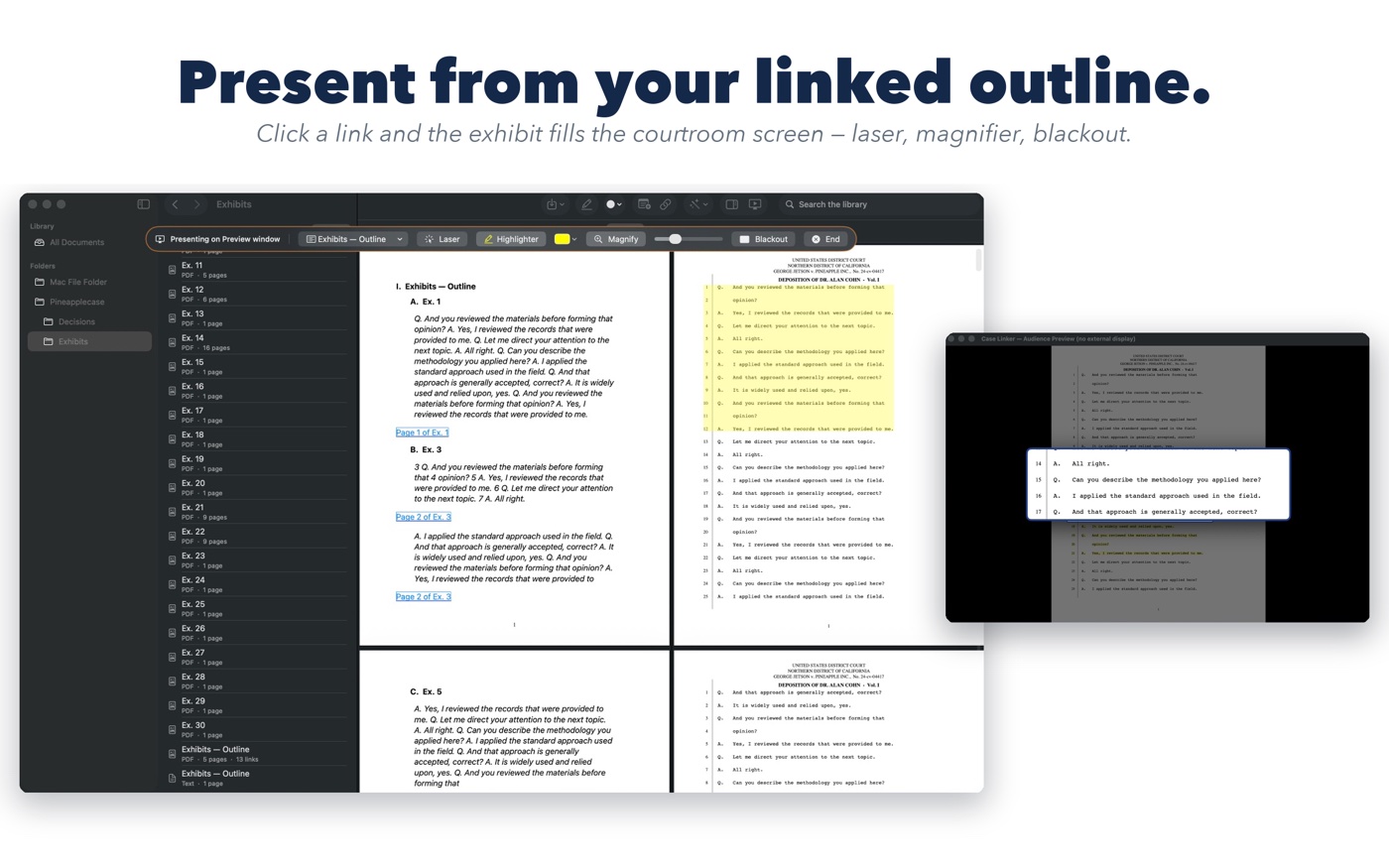
Present from the podium
Presenter Mode drives the courtroom display from your Mac — laser, magnifier, highlighter, and
blackout, with linked exhibits one click away.
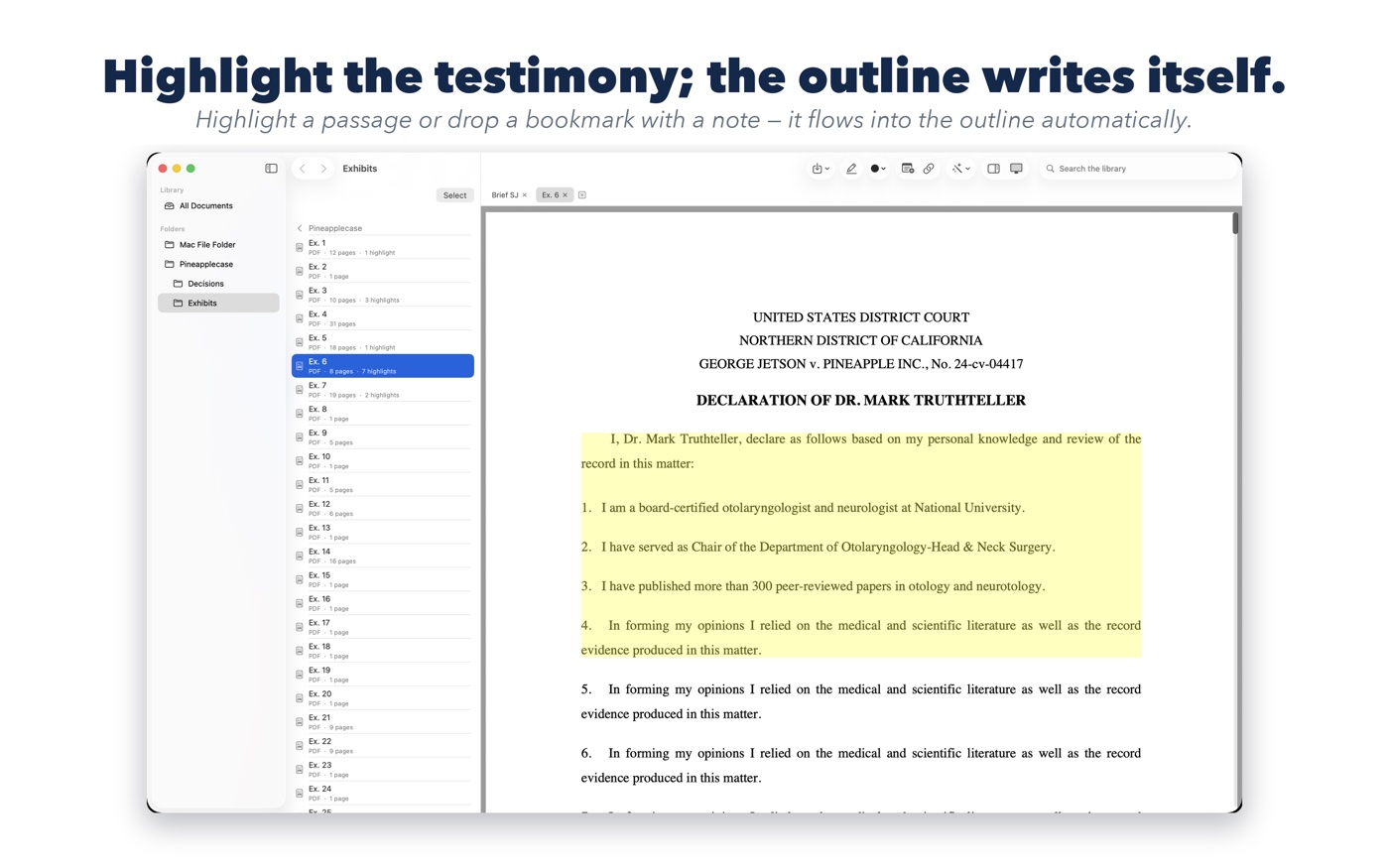
Bookmarks with notes
Right-click any spot on a page — a chart, a photo, a signature — to drop a pin and write a note.
The note becomes an outline entry, and its link lands on the exact spot, not just the page.
Redaction that removes the text, not just covers it
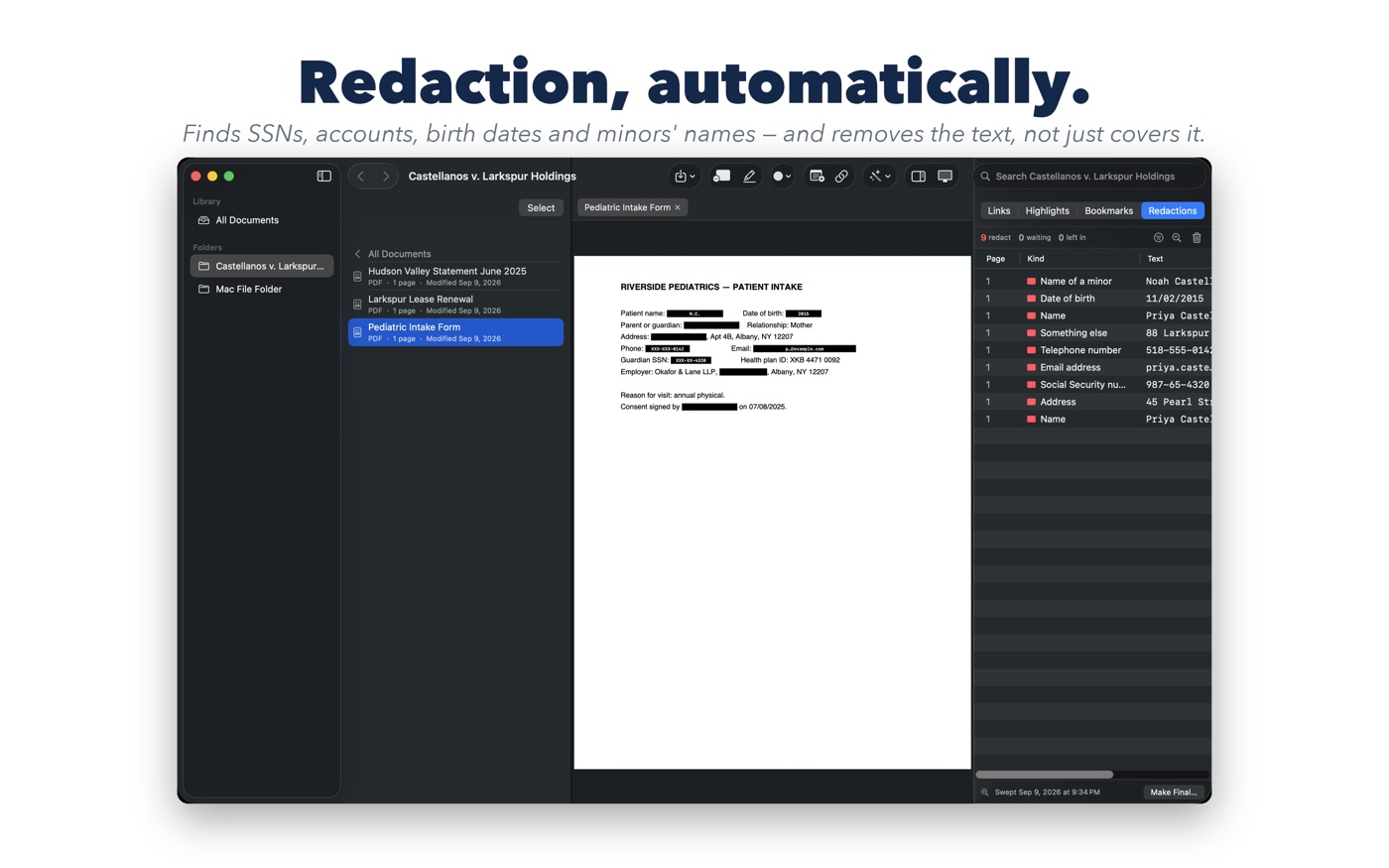
Sweep a folder for what the court's privacy rules reach — Social Security and account numbers,
birth dates, minors' names, and your own list of terms. Every proposal appears in the Redactions
inspector beside the page; accept or leave each one, draw a box over anything the sweep missed, then
Make Final writes redacted copies into a separate folder with the page rebuilt underneath each bar and
a report of what was removed. The originals are never touched. See the court rules →
Redline with co-counsel
Send an outline to another Case Linker user — on a Mac or an iPad — and it arrives in their
app with its structure, authorship, and comments intact. What you sent is the original and is
never marked; once somebody else edits it, every change after that carries its author's initials.
The change report exports as a spreadsheet.
The same engine as iPad
Identical hyperlinking, stamping, and outline building. A case file prepared on one device reads
perfectly on the other.
Private by architecture
Processing happens on your Mac. Nothing is uploaded — built for privileged, confidential
client material.